Introduction
The low-code and no-code platform market is projected to exceed $65 billion by 2027, and it's not hard to see why — engineering teams are drowning in internal tool requests while product teams race to ship customer-facing features. Something has to give. That's precisely the gap that Retool was built to fill.
Retool is one of the most widely recognized platforms in the no-code and low-code space, specifically designed to help development teams build internal tools faster — without sacrificing the flexibility or power that engineers expect. Whether you need a customer support dashboard, an admin panel, or a data management interface, Retool promises to cut build time dramatically.
In this review, we'll take a comprehensive look at what Retool offers in 2026: its core features, pricing structure, strengths, weaknesses, and how it compares to alternatives in the no-code platforms landscape. If you're evaluating Retool for your team, this guide will give you the honest, detailed breakdown you need to make a confident decision.
---
What is Retool?
At its core, Retool is a low-code development platform that enables teams to build internal business applications quickly by connecting to databases, APIs, and third-party services through a drag-and-drop visual interface. Rather than building admin panels, dashboards, and CRUD apps from scratch, developers can assemble them using pre-built components and wire them to real data sources in a fraction of the time.
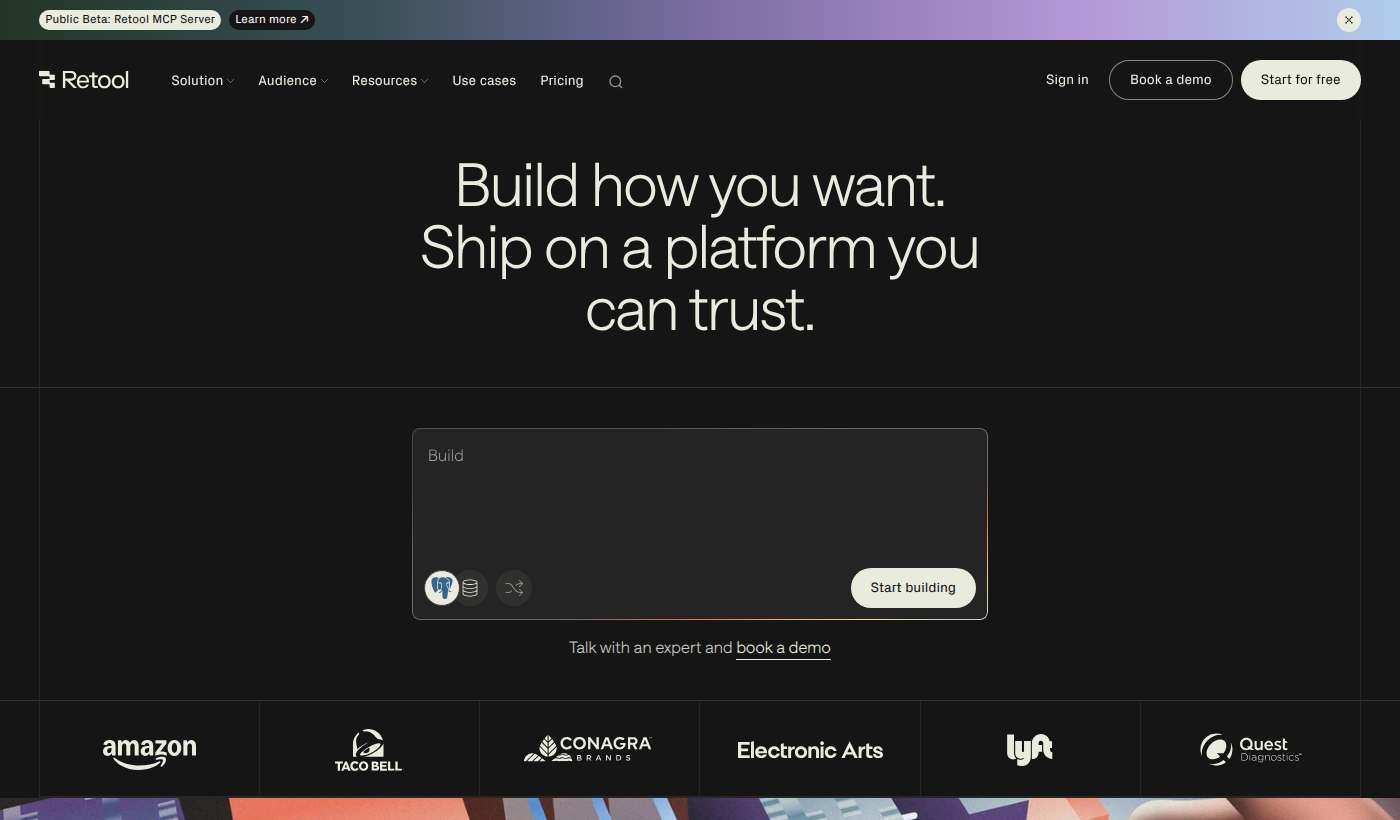
Visit Retool's official website and you'll see the pitch is straightforward: stop spending engineering cycles reinventing internal tooling and start focusing on the product work that actually moves the needle.
Founded in 2017 by David Hsu, Retool quickly gained traction among engineering-forward companies that needed the speed of a no-code tool but couldn't afford to give up the control of custom code. The platform has been adopted by organizations ranging from early-stage startups to Fortune 500 enterprises across industries like fintech, healthcare, logistics, and e-commerce.
What makes Retool stand out in the crowded no-code platforms market is its developer-first philosophy. Unlike purely visual tools that abstract away code entirely, Retool lets you drop into JavaScript wherever you need custom logic, query databases directly with SQL, and call REST or GraphQL APIs natively. It's the bridge between "no-code speed" and "real code flexibility" — and that positioning has resonated strongly with technical teams.
Primary use cases include internal admin panels, operations dashboards, customer support tools, data pipelines, and business process automation interfaces.
---
Key Features of Retool
1. Drag-and-Drop Visual Builder
Retool's visual interface is the foundation of the entire platform. It offers a canvas-based editor where you can drag pre-built UI components — tables, forms, buttons, charts, maps, and more — onto the screen and configure them visually. Components are highly customizable, and because the target audience is developers, the configuration options go deep. You're not limited to surface-level styling; you can control data binding, conditional logic, and event triggers all within the visual layer.
This approach dramatically reduces the time it takes to go from idea to working prototype for internal tooling, which is one of the primary pain points no-code platforms are designed to address.
2. Wide Range of Data Integrations
One of Retool's most compelling strengths is its extensive library of native integrations. The platform connects to PostgreSQL, MySQL, MongoDB, Firebase, Snowflake, BigQuery, REST APIs, GraphQL endpoints, Stripe, Salesforce, and many more out of the box. For teams with complex data infrastructure, this is critical — it means you're not forced to replicate or migrate your data just to build a tool on top of it.
Setting up a connection is straightforward, and queries can be written directly in SQL or configured via a GUI, depending on your preference and the data source.
3. JavaScript Flexibility
Where Retool truly differentiates itself from more restrictive no-code platforms is its commitment to letting developers write real code when needed. Every component in Retool can be controlled or enhanced with JavaScript — you can write custom transformations, build complex conditional logic, manipulate query results, and control UI state programmatically. This means Retool doesn't hit a ceiling the way purely visual tools often do. When your use case gets complex, you can reach for code without leaving the platform.
4. Retool Mobile
Beyond web-based tools, Retool offers a mobile builder that lets teams create native iOS and Android applications for internal use. This is particularly valuable for operations teams in industries like warehousing, field services, or healthcare, where staff need mobile access to internal tools. The mobile builder follows the same component-based approach as the web builder, keeping the learning curve consistent across platforms.
5. Retool Workflows
Retool Workflows is a feature that extends the platform beyond UI building into backend automation. You can create event-driven workflows that trigger on schedules, webhooks, or user actions, allowing teams to automate business processes without needing separate tools. This positions Retool as not just a front-end builder but an end-to-end internal tooling platform.
6. Version Control and Collaboration
For teams, Retool includes version control features that allow you to track changes, roll back to previous versions, and collaborate without overwriting each other's work. This is a critical feature for production-grade internal tools where reliability matters. Combined with granular role-based access controls, teams can manage who can edit, view, or use any given application.
7. Self-Hosted and Cloud Deployment
Retool supports both cloud-hosted and self-hosted deployment options. For organizations in regulated industries — finance, healthcare, government — the ability to run Retool entirely within their own infrastructure is often a non-negotiable requirement. The self-hosting option gives teams full control over their data and deployment environment, a feature that sets Retool apart from many competitors in the no-code platforms space.
---
Retool Pricing & Plans
Retool's pricing is structured around the number of users and the features required, with tiers designed to accommodate teams of different sizes and compliance needs.
Based on publicly available information, Retool offers a Free plan that supports a limited number of internal users and includes core building features — suitable for individuals or very small teams evaluating the platform. The Team plan (formerly called the "Starter" tier in some iterations) is aimed at growing teams and unlocks more users, custom branding, and additional features. The Business plan expands further with advanced permissions, audit logs, and SSO capabilities. At the top, the Enterprise plan includes self-hosting options, dedicated support, SLA guarantees, and enterprise-grade security controls.
Specific per-seat pricing and exact tier thresholds can change, so for the most accurate and current figures, view Retool pricing directly on their website. The platform does offer a free trial experience through its free tier, allowing teams to build and test before committing to a paid plan.
For most growing engineering teams building internal tools at scale, the Business plan is likely where the most relevant features sit — though smaller teams may find the Team tier sufficient for everyday use.
---
Pros & Cons
Retool Pros:✅ Developer-first design — JavaScript support throughout means no artificial ceilings on complexity
✅ Extensive integrations — Connects to virtually every major database, API, and SaaS tool teams already use
✅ Self-hosting option — Critical for enterprise and regulated industries with strict data residency requirements
✅ Mobile builder included — Build iOS and Android internal apps using the same familiar workflow
✅ Active ecosystem — Large user base, strong documentation, and a template library to accelerate builds
Retool Cons:❌ Steeper learning curve than pure no-code tools — While faster than custom development, Retool still expects users to understand queries, APIs, and basic JavaScript
❌ Pricing can scale quickly — Costs can become significant as team size grows, especially at higher tiers
❌ Primarily internal tool focused — Not the right choice for building customer-facing production applications
❌ UI customization has limits — While flexible, achieving very custom or pixel-perfect designs can require workarounds
---
Retool vs. Alternatives
Retool vs. AppsmithAppsmith is an open-source alternative that targets a similar developer audience. Its key advantage is that the open-source version is free and fully self-hostable without licensing costs. However, Retool generally offers a more polished UI, more native integrations out of the box, and a more mature mobile builder. Teams that prioritize open-source flexibility may lean toward Appsmith, while those who value a more complete commercial product often prefer Retool.
Retool vs. BubbleBubble is a more traditional no-code platform that allows building customer-facing web applications, not just internal tools. If your goal is to launch a public-facing product without writing code, Bubble is a stronger fit. However, for internal tooling connected to existing databases and APIs, Retool is significantly more capable and faster to build with for developer-oriented teams.
Retool vs. OutSystemsOutSystems is an enterprise low-code platform that competes at the top end of the market, covering both internal and external application development with strong governance features. It's considerably more expensive and complex than Retool, making it overkill for teams that primarily need fast internal tool development. Retool wins on simplicity and speed-to-value for most mid-market use cases.
---
Who Should Use Retool?
Ideal for:- Engineering teams at growth-stage and enterprise companies that receive constant requests for internal dashboards, admin panels, and data tools but can't afford to dedicate full development cycles to them
- Operations and data teams that need custom interfaces to manage workflows, review data, and trigger actions without relying on engineering for every change
- Companies in regulated industries (fintech, healthtech, legal) that need self-hosted no-code platforms with enterprise-grade security and compliance controls
- Full-stack developers who want the speed of a visual builder but refuse to give up the ability to write real code when complexity demands it
- Startups scaling internal operations that need to build tooling fast without hiring dedicated internal tools engineers
---
Getting Started with Retool
Getting up and running with Retool is relatively straightforward. Visit Retool to create a free account — no credit card is required for the free tier. Once signed up, you'll be dropped into the visual builder where you can start connecting data sources and dragging components onto the canvas immediately.
Retool provides an extensive library of templates covering common use cases like customer support dashboards, CRM views, inventory management tools, and approval workflows. Starting from a template can cut initial build time significantly and gives new users a practical sense of the platform's capabilities.
The documentation is thorough, with guides covering everything from basic component configuration to advanced JavaScript usage and API integrations. For teams onboarding multiple users, Retool also offers in-product tutorials and a community forum with an active user base.
For enterprise teams considering self-hosting, Retool supports deployment via [Docker](https://docker.com), [Kubernetes](https://kubernetes.io), and major cloud providers, with detailed setup guides available in the documentation. Explore Retool to find the deployment option that fits your infrastructure.
---
Final Verdict
After examining everything Retool offers, it's clear why it has become one of the most respected names in the no-code platforms space. It occupies a genuinely useful niche: powerful enough for developers, fast enough to compete with no-code tools, and flexible enough to handle the messy realities of enterprise data infrastructure.
The platform isn't for everyone. Purely non-technical users may find the learning curve frustrating, and teams looking to build customer-facing applications will need a different tool. Pricing at scale is also worth factoring in carefully before committing.
But for engineering and operations teams tired of hand-crafting internal tools from scratch — or worse, managing a graveyard of spreadsheets and one-off scripts — Retool delivers real, measurable value. It's a mature, well-supported platform that continues to expand its capabilities with features like Workflows and Mobile.
Learn more about Retool and see if it matches your team's specific internal tooling needs. For most developer-oriented teams, it will. Overall Rating: 4.3 / 5---
Frequently Asked Questions
Q: How much does Retool cost?A: Retool offers a free tier for small teams, with paid plans covering Team, Business, and Enterprise tiers. Pricing scales with the number of users and features required. For current and exact pricing, visit Retool's website directly, as tiers and costs are updated periodically.
Q: What makes Retool different from other no-code platforms?A: Retool's primary differentiator is its developer-first philosophy. Unlike most no-code platforms that abstract away code entirely, Retool allows full JavaScript customization throughout the builder. It also offers self-hosting for regulated industries and a significantly broader library of native data integrations than most competitors.
Q: Is Retool suitable for non-technical users?A: Retool is best suited for teams with at least one developer or technically proficient user. While the drag-and-drop interface is accessible, configuring data queries, APIs, and JavaScript logic requires technical knowledge. Purely non-technical users may find tools like Bubble or Airtable more approachable.
Q: Can Retool be self-hosted?A: Yes. Retool offers a self-hosted deployment option that allows organizations to run the platform entirely within their own infrastructure. This is available on higher-tier plans and is particularly popular with companies in regulated industries like finance and healthcare.
Q: What types of applications can you build with Retool?A: Retool is primarily designed for internal tools — admin panels, customer support dashboards, data management interfaces, approval workflows, inventory systems, and operations tooling. It supports both web and mobile (iOS/Android) internal applications. It is not designed for building customer-facing public web applications. Check out Retool to see example use cases and templates.