Why Developers Are Looking for Cursor Alternatives in 2026
Cursor took the developer world by storm in 2024 and 2025. Its deep IDE integration, tab completion that actually predicts your next move, and chat-driven code editing felt like a genuine leap forward. But it's not the right tool for everyone.
Some developers hit Cursor's subscription wall and don't want another $20/month SaaS bill. Others work in environments where sending code to an external server isn't an option. Some just want tighter GitHub integration, or a lighter tool that doesn't eat RAM. And a few find that Cursor's opinionated workflow doesn't fit how they code.
Whatever your reason, the best cursor alternative 2026 depends on what you actually need — not what the marketing page promises. This comparison covers five serious contenders, with honest takes on where each one wins and where it falls short.
The 5 Best Cursor Alternatives in 2026
1. Windsurf (by Codeium)
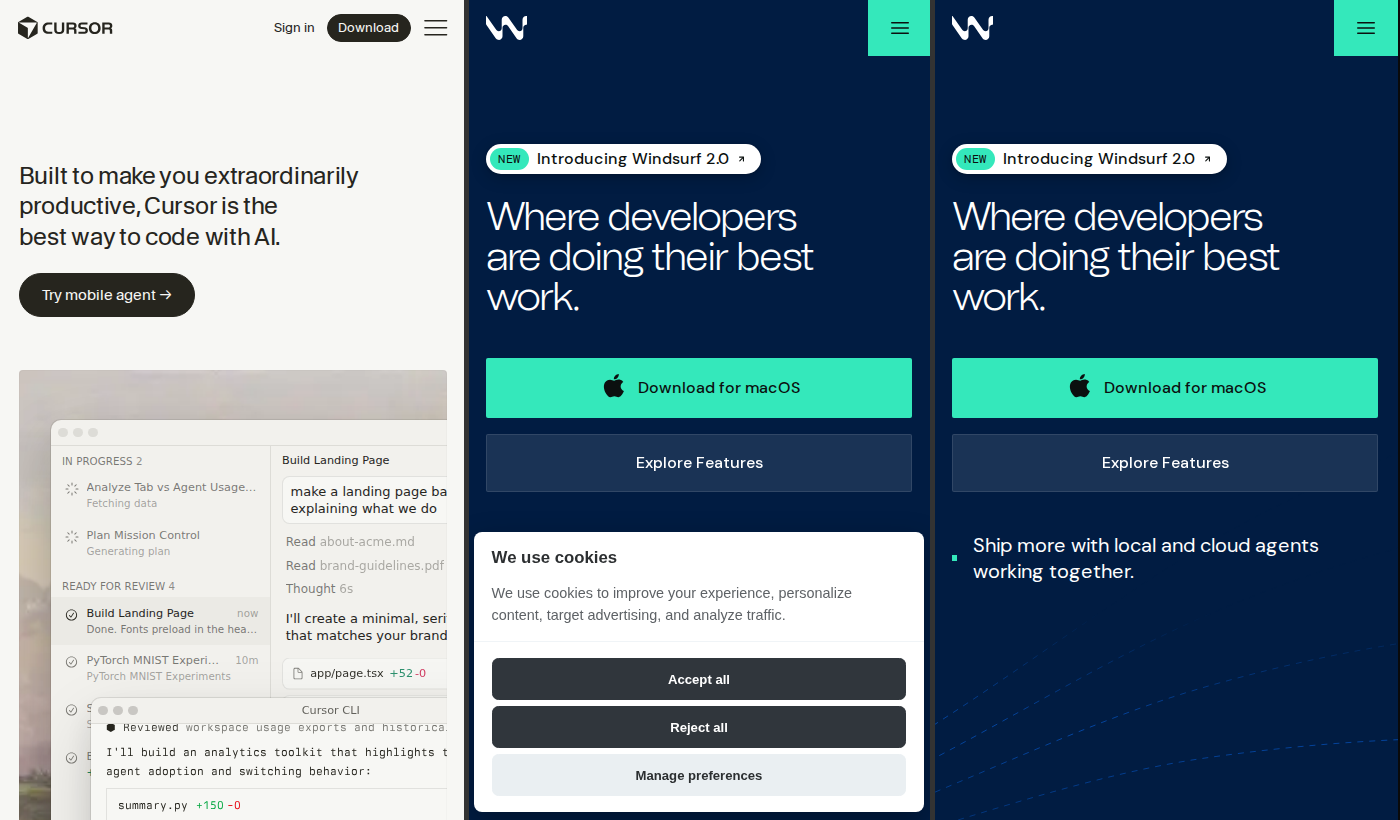
Windsurf is probably the closest like-for-like Cursor alternative available right now. It's a full AI-native IDE — not a plugin — with its own "Cascade" agentic flow that can read your codebase, make multi-file edits, and run terminal commands autonomously.
- Best for: Developers who want Cursor-style power but with a more generous free tier
- Pricing: Free tier available; Pro at $15/month (less than Cursor's $20)
- Key difference vs Cursor: Windsurf's Cascade agent is arguably more capable at multi-step autonomous tasks. The free tier is meaningfully usable, not just a trial. Trade-off: smaller community, fewer third-party integrations.
If you're leaving Cursor over cost, Windsurf is the first place to look.
2. GitHub Copilot
GitHub Copilot has evolved well beyond autocomplete. The 2025-2026 version includes Copilot Chat, workspace-aware suggestions, multi-file edits in VS Code, and agent mode that can scaffold entire features from a prompt.
- Best for: Teams already on GitHub Enterprise, or developers who live in VS Code and want tight ecosystem integration
- Pricing: $10/month individual; $19/month business; free for verified students and open-source maintainers
- Key difference vs Cursor: Copilot is embedded directly into VS Code and JetBrains IDEs — no context-switching, no new app to learn. It's less "agentic" than Cursor by default, but the GitHub integration (PRs, issues, Actions) is unmatched. If your workflow is GitHub-centric, this wins on friction alone.
Check out GitHub Copilot if you're already deep in the GitHub ecosystem.
3. Codeium (Standalone)
Codeium (the standalone product, not Windsurf) is a plugin that works across 40+ editors and IDEs — VS Code, JetBrains, Vim, Emacs, you name it. It focuses on fast, accurate autocomplete and a lightweight chat interface.
- Best for: Developers who don't want to change their editor, or teams that use multiple IDEs across different projects
- Pricing: Free for individuals; Teams plan at $12/user/month
- Key difference vs Cursor: Codeium doesn't try to be an IDE. It sits quietly inside whatever editor you already use. No agentic flow, no multi-file orchestration — just solid completions and chat. That simplicity is the point.
Codeium is the pragmatic pick if you want AI assistance without changing your setup.
4. Continue (Open Source)
Continue is an open-source AI coding assistant that runs as a VS Code or JetBrains extension. What makes it different: you bring your own model. Connect it to any OpenAI-compatible API, Ollama for local models, Anthropic, Mistral — whatever you want.
- Best for: Privacy-conscious developers, air-gapped environments, teams that want to control their AI stack entirely
- Pricing: Free and open source. You pay for whatever model provider you use (or nothing, if running locally).
- Key difference vs Cursor: Your code never leaves your machine if you run a local model. That's a hard requirement in some industries. Continue doesn't match Cursor's polish, but it's the most flexible and private option on this list.
Visit Continue.dev to get started — it's free and the community is active.
5. Tabnine
Tabnine has been in the AI code completion space longer than most. In 2026, it's positioned squarely at enterprise teams that need compliance, security, and the option to run models on-premises or in a private cloud.
- Best for: Enterprise engineering teams with strict data governance requirements
- Pricing: Basic free tier; Pro at $12/month; Enterprise pricing on request (includes private deployment)
- Key difference vs Cursor: Tabnine's enterprise tier can be fully self-hosted, with zero data leaving your infrastructure. It's not the most cutting-edge on raw capability, but for regulated industries (finance, healthcare, defense), that compliance story matters more than benchmark scores.
Tabnine is worth a serious look if your team has legal or compliance constraints around code and data.
Side-by-Side Comparison
| Tool | Type | Starting Price | Best For | Agentic? | Privacy Option? |
|---|---|---|---|---|---|
| Cursor | Standalone IDE | $20/mo | Power users, solo devs | Yes | No |
| Windsurf | Standalone IDE | Free / $15/mo | Cursor switchers on a budget | Yes | No |
| GitHub Copilot | IDE Plugin | $10/mo | GitHub-native teams | Partial | No |
| Codeium | IDE Plugin | Free | Multi-IDE developers | No | No |
| Continue | IDE Plugin (OSS) | Free | Privacy-first, local models | Partial | Yes |
| Tabnine | IDE Plugin | Free / $12/mo | Enterprise compliance | No | Yes |
Verdict: Who Should Stay on Cursor, Who Should Switch
Stick with Cursor if:
- You're a solo developer or small team and the $20/month is justifiable ROI
- You rely heavily on Cursor's tab completion — it's still best-in-class for flow-state coding
- You want the most polished, fully integrated agentic experience out of the box
- You're already on Cursor and it's not causing you pain — don't fix what isn't broken
Switch if:
- Cost is the issue — Try Windsurf (similar power, lower price) or Codeium (free)
- You're a GitHub shop — GitHub Copilot's integration is hard to beat
- Privacy or compliance — Continue (local models) or Tabnine Enterprise (self-hosted)
- You don't want a new IDE — Any of the plugin options (Copilot, Codeium, Continue, Tabnine) drop into your existing editor
- You're in a regulated industry — Tabnine's enterprise compliance story is built for exactly this
The AI coding tool market in 2026 is genuinely competitive. Cursor earns its reputation, but it's not the only serious option. Match the tool to the constraint — price, privacy, workflow, or ecosystem — and you'll land in a better place than picking based on hype alone.