GitHub Copilot vs Cursor vs Windsurf 2026: Best AI Coding Assistants Compared
AI coding assistants have gone from novelty to necessity. In 2026, the three names developers argue about most are GitHub Copilot, Cursor, and Windsurf. Each takes a different philosophical approach to AI-assisted development — and choosing the wrong one can quietly cost you hours every week.
Quick Overview
GitHub Copilot — The original AI coding assistant. Integrates into your existing IDE as an extension. Most IDE-agnostic option available.
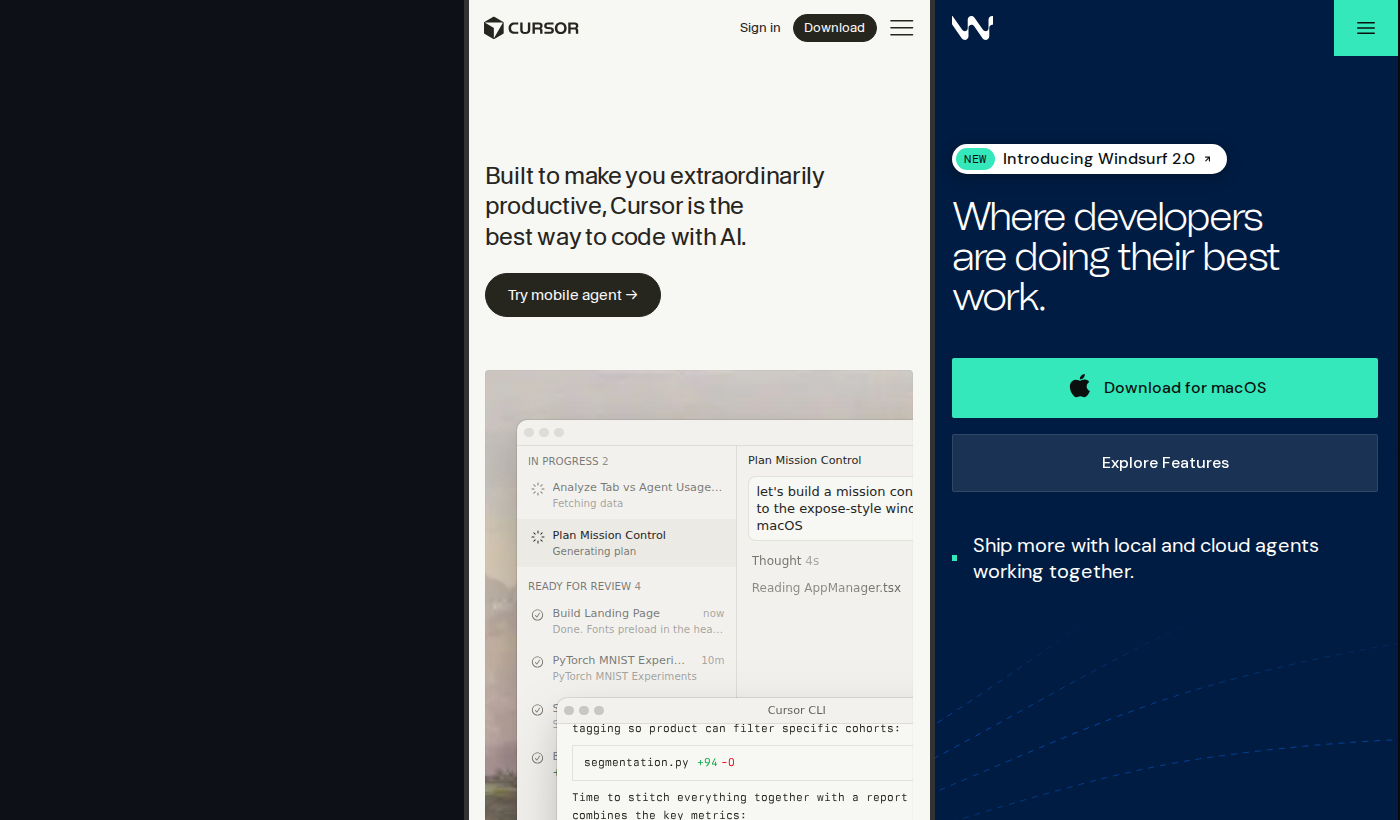
Cursor — A full IDE fork of VS Code with AI baked into its core. Built for aggressive, context-aware code generation with multi-file Composer editing.
Windsurf — Built by Codeium. Its standout feature is Cascade — an agentic AI system that reasons across your codebase and executes multi-step tasks autonomously.
Feature Comparison
| Feature | GitHub Copilot | Cursor | Windsurf |
|---|---|---|---|
| Autocomplete | ✅ Excellent | ✅ Excellent | ✅ Excellent |
| AI Chat | ✅ Yes | ✅ Yes | ✅ Yes |
| Multi-file edits | ⚠️ Copilot Edits | ✅ Composer | ✅ Cascade |
| Agentic mode | ⚠️ Basic | ✅ Yes | ✅ Best-in-class |
| Works in existing IDE | ✅ Yes | ❌ Requires switch | ❌ Requires switch |
| Codebase indexing | ⚠️ Partial | ✅ Yes | ✅ Yes |
Pricing
| Plan | GitHub Copilot | Cursor | Windsurf |
|---|---|---|---|
| Free | 2,000 completions + 50 chat/mo | 2,000 completions, limited premium | 5 Cascade actions/day |
| Pro | $10/month | $20/month | $15/month |
| Business | $19/user/month | $40/user/month | Custom |
Windsurf Pro is the best value at $15/month. Copilot is the most accessible. Cursor is the priciest but delivers the most integrated experience.
Deep Dive: GitHub Copilot
Copilot's biggest advantage is zero workflow disruption. Install an extension, authenticate, done. It works wherever you already code — especially critical for JetBrains users who have no comparable alternative.
Inline completions are fast and accurate with access to Claude 3.5/3.7 Sonnet and GPT-4o. Copilot Edits (multi-file editing) has matured, though it's not as seamless as Composer or Cascade. Enterprise features — IP indemnification, policy controls, audit logs — are unmatched.
Best for: Developers who can't leave their IDE, JetBrains users, enterprise teams needing compliance.
Deep Dive: Cursor
Cursor is the power user's choice. Composer lets you describe a task and watch the AI generate and edit code across multiple files simultaneously, with a diff view that keeps you in control.
Model flexibility is best-in-class: switch between Claude 3.7 Sonnet, GPT-4o, Gemini 1.5 Pro, or bring your own API keys. The .cursorrules system lets you define project-specific context — coding style, architecture decisions — that gets injected into every AI interaction.
Best for: VS Code users ready for an AI-native IDE, developers doing complex multi-file refactors, power users who configure their environment.
Deep Dive: Windsurf
Windsurf's Cascade is the most impressive agentic feature in any coding assistant right now. You can say "add JWT authentication to this Express app" and Cascade will scaffold the files, update routes, install npm packages, and check for errors — iterating until it works.
It's less "AI autocomplete" and more "AI junior developer." At $15/month Pro, it's also the best-priced full-featured option.
Best for: Developers who want the most autonomous AI coding experience, solo developers and freelancers, teams building greenfield projects.
Our Recommendation
Choose GitHub Copilot if: You use JetBrains, Vim, Neovim, or Visual Studio. Or if you're in an enterprise environment that needs compliance, audit controls, and IP indemnification.
Choose Cursor if: You're a VS Code user who wants the most powerful, configurable AI coding environment. You do complex refactors and care about model flexibility.
Choose Windsurf if: You want the best agentic experience — an AI that does multi-step tasks rather than just suggests them. Best value at $15/month for solo developers.
In 2026, the gap between all three has narrowed significantly. The decision comes down to where you work (IDE flexibility → Copilot), how you work (power configuration → Cursor), and what you're building (agentic execution → Windsurf).
Last updated: April 2026. Pricing verified against official documentation.