Cursor vs GitHub Copilot 2026: Which AI Coding Assistant Should You Choose?
AI coding assistants have gone from novelty to necessity. In 2026, two tools dominate the conversation: Cursor and GitHub Copilot. Both promise to make you a faster, more productive developer — but they take very different approaches to get there.
This comparison breaks down everything that matters: features, pricing, IDE support, model options, and real-world use cases. By the end, you'll know exactly which tool belongs in your workflow.
What Is Cursor?
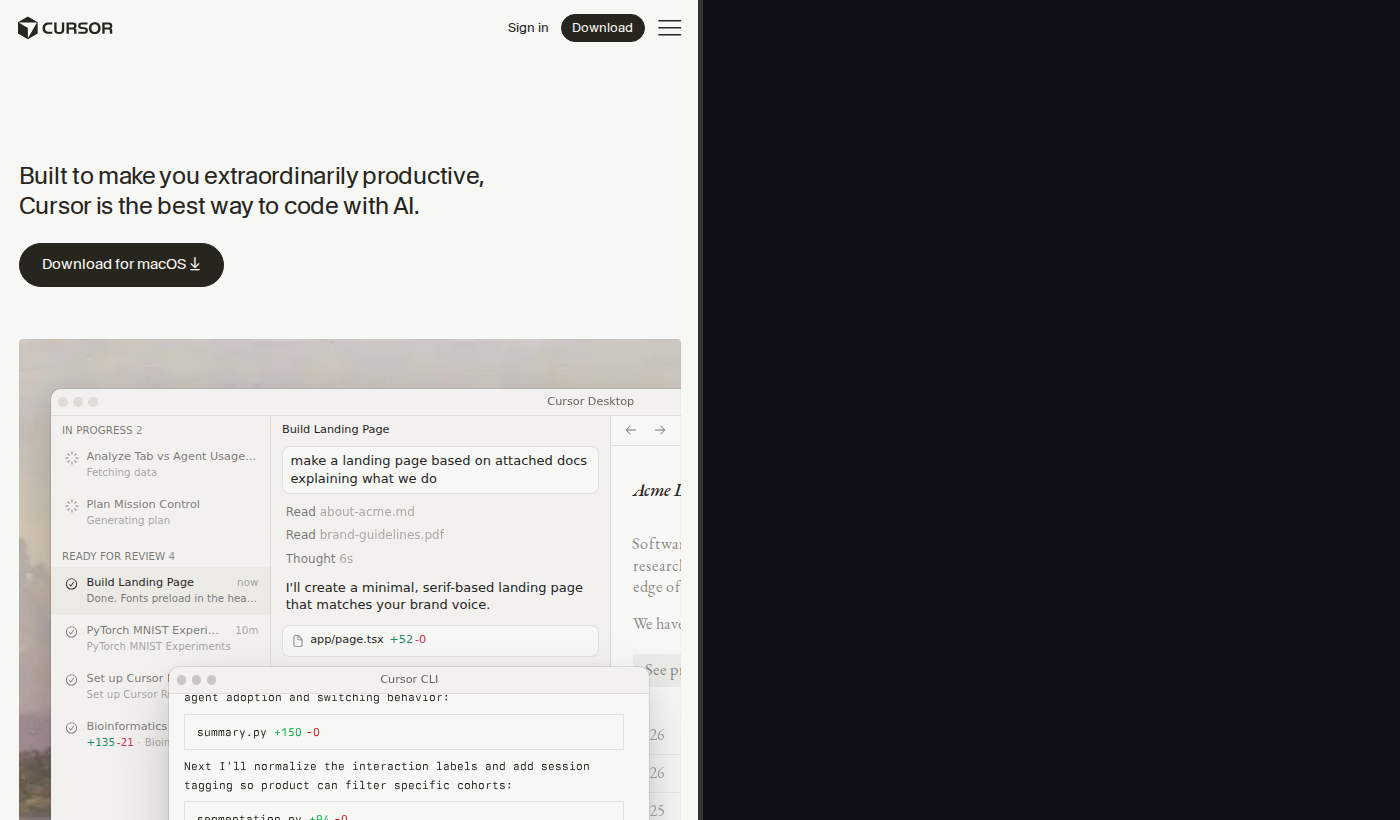
Cursor is an AI-first code editor built as a fork of Visual Studio Code by Anysphere. Rather than bolting AI onto an existing editor, Cursor bakes it directly into the interface. The result is a tightly integrated experience where the AI understands your entire codebase — not just the file you have open.
Cursor ships with its own proprietary autocomplete model, a powerful chat interface, and Composer, its flagship multi-file editing feature. If you're already comfortable in VS Code, the transition is nearly frictionless.
What Is GitHub Copilot?
GitHub Copilot is Microsoft and GitHub's AI coding assistant. Unlike Cursor, it's a plugin — not an editor. Copilot plugs into VS Code, JetBrains IDEs, Neovim, Visual Studio, and more, which makes it the most IDE-agnostic option on the market.
Copilot started as an autocomplete tool but has grown into a full-featured assistant with chat, code review, multi-file edits (via Copilot Edits), and workspace-level context. It's deeply integrated into the GitHub ecosystem, which matters a lot if your team already lives in GitHub.
Pricing Comparison
| Plan | Cursor | GitHub Copilot |
|---|---|---|
| Free | Limited requests/month | 2,000 completions + 50 chat messages/month |
| Pro | $20/month | $10/month |
| Business | $40/month per user | $19/month per user |
Key takeaway: GitHub Copilot is significantly cheaper at every tier. For budget-conscious developers or large teams, Copilot has a meaningful cost advantage. Cursor's higher price buys you a more deeply integrated experience.
Feature-by-Feature Comparison
Autocomplete
Cursor uses a custom-trained autocomplete model optimized for low latency and high relevance. It predicts entire blocks of code and feels more "aware" of what you're building because it indexes your whole project.
GitHub Copilot delivers strong inline suggestions powered by GPT-4-class models. Its suggestions are context-aware and accurate, especially for common patterns and well-known libraries.
Winner: Cursor has a slight edge for whole-codebase awareness, but Copilot is strong and sufficient for most workflows.
Chat
Cursor has a built-in chat panel with @ mention support for files, symbols, and docs. It supports GPT-4o and Claude 3.5/3.7 Sonnet.
GitHub Copilot offers Copilot Chat with polished slash commands (/explain, /fix, /tests, /doc) and model switching between GPT-4o, Claude 3.5 Sonnet, and Google Gemini.
Winner: Roughly equal. Both offer capable, well-integrated chat with model selection.
Multi-File Edits
Cursor's Composer is the benchmark: describe a feature or refactor, Composer plans changes across multiple files, shows a diff, and applies edits with your approval.
GitHub Copilot Edits has matured considerably and handles multi-file changes with natural language instructions — but Cursor Composer still offers a more fluid experience for large-scale refactoring.
Winner: Cursor.
Model Options
Both tools offer meaningful model flexibility. Copilot's multi-vendor approach (OpenAI + Anthropic + Google) is a differentiator for teams with specific model preferences.
Winner: Tie.
IDE Support
Cursor is a standalone VS Code fork — JetBrains, Vim, and Visual Studio users are out. GitHub Copilot works across VS Code, all major JetBrains IDEs, Neovim, Visual Studio, and more.
Winner: GitHub Copilot, by a wide margin.
Who Is Each Tool Best For?
Choose Cursor if you:
- Work primarily in VS Code
- Do heavy refactoring and multi-file editing regularly
- Want your AI to understand your entire codebase
- Are a solo developer or small team where capability beats cost
Choose GitHub Copilot if you:
- Use JetBrains, Neovim, Visual Studio, or multiple editors
- Work in a larger team or enterprise environment
- Are budget-conscious — Copilot is significantly cheaper at every tier
- Need enterprise-grade compliance and security controls
The Verdict
For most individual developers: Cursor. The combination of deep codebase awareness, Composer's multi-file editing, and tight VS Code integration makes it the most powerful AI coding tool for day-to-day development.
For teams and enterprises: GitHub Copilot. The price advantage is real — $19/month vs $40/month per user adds up fast across a team. Add broad IDE support and enterprise security maturity, and Copilot is the pragmatic choice for most organizations.
Both tools are excellent in 2026 and the gap has narrowed. Try both free tiers before committing.
Prices and features current as of April 2026. Verify current pricing at cursor.sh and github.com/features/copilot.